

Built for real estate agents
No video? You're losing clients.
Buyers scroll past photo-only listings — and call the agent whose listing moved. Roxybit turns your photos into a narrated, branded video — in minutes, from $2–20*. No filming, no editing, no crew.
* Depends on the number of scenes, video length and resolution.
What Roxybit does
You bring the photos. Roxybit makes the video.
1 · You bring
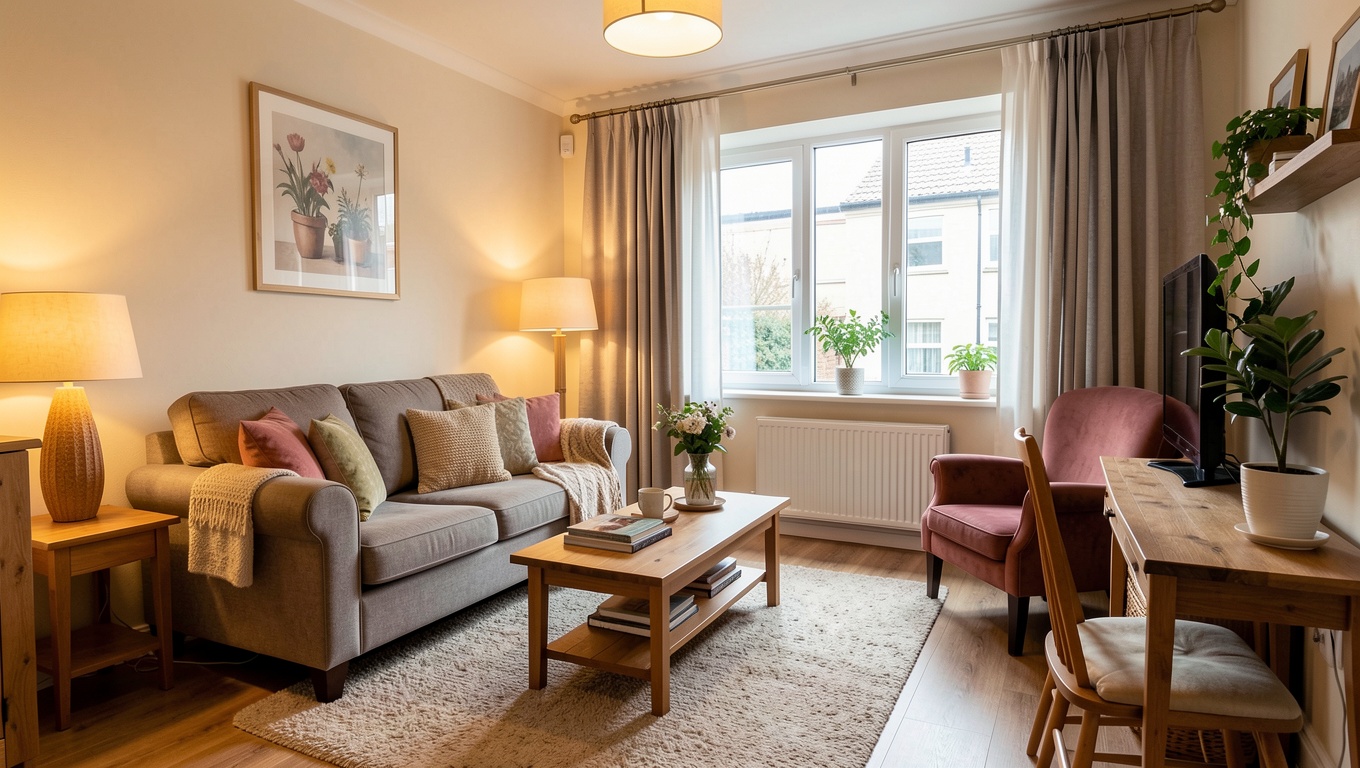
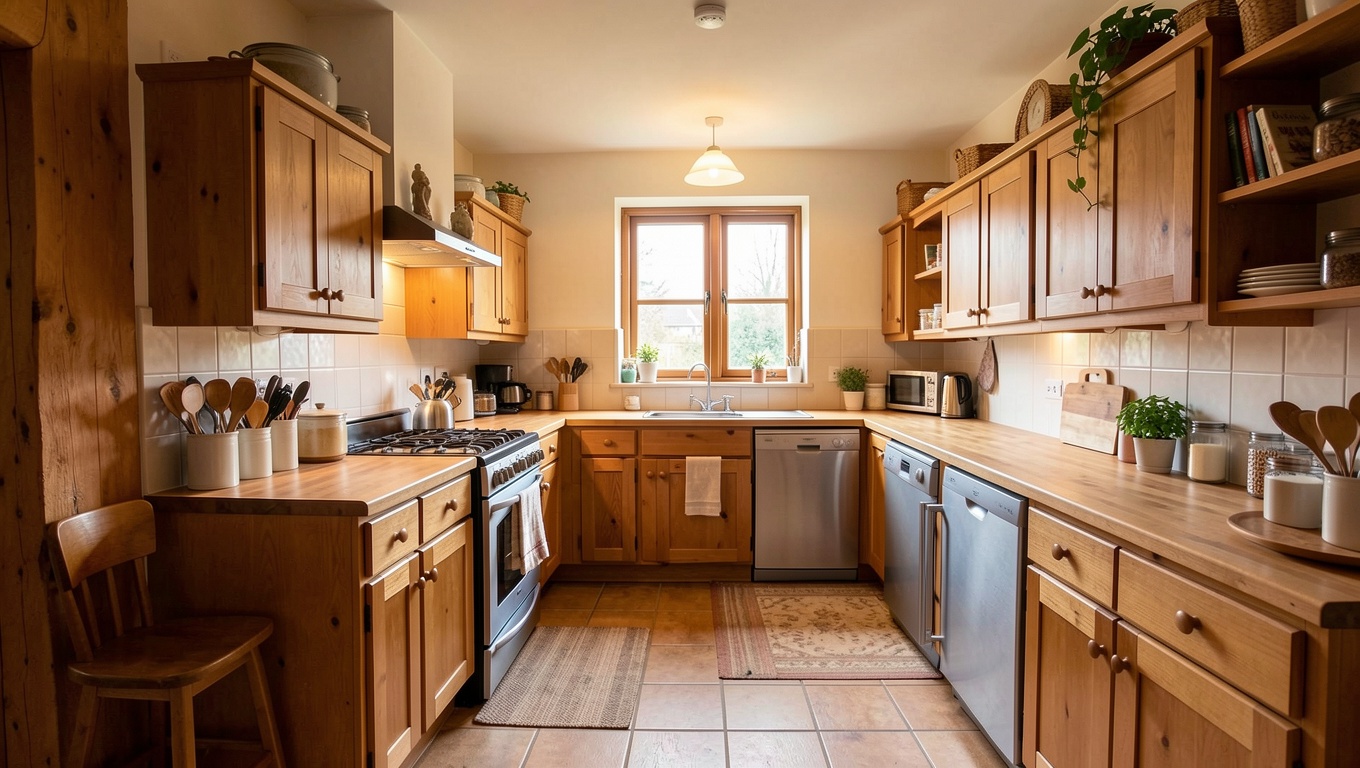
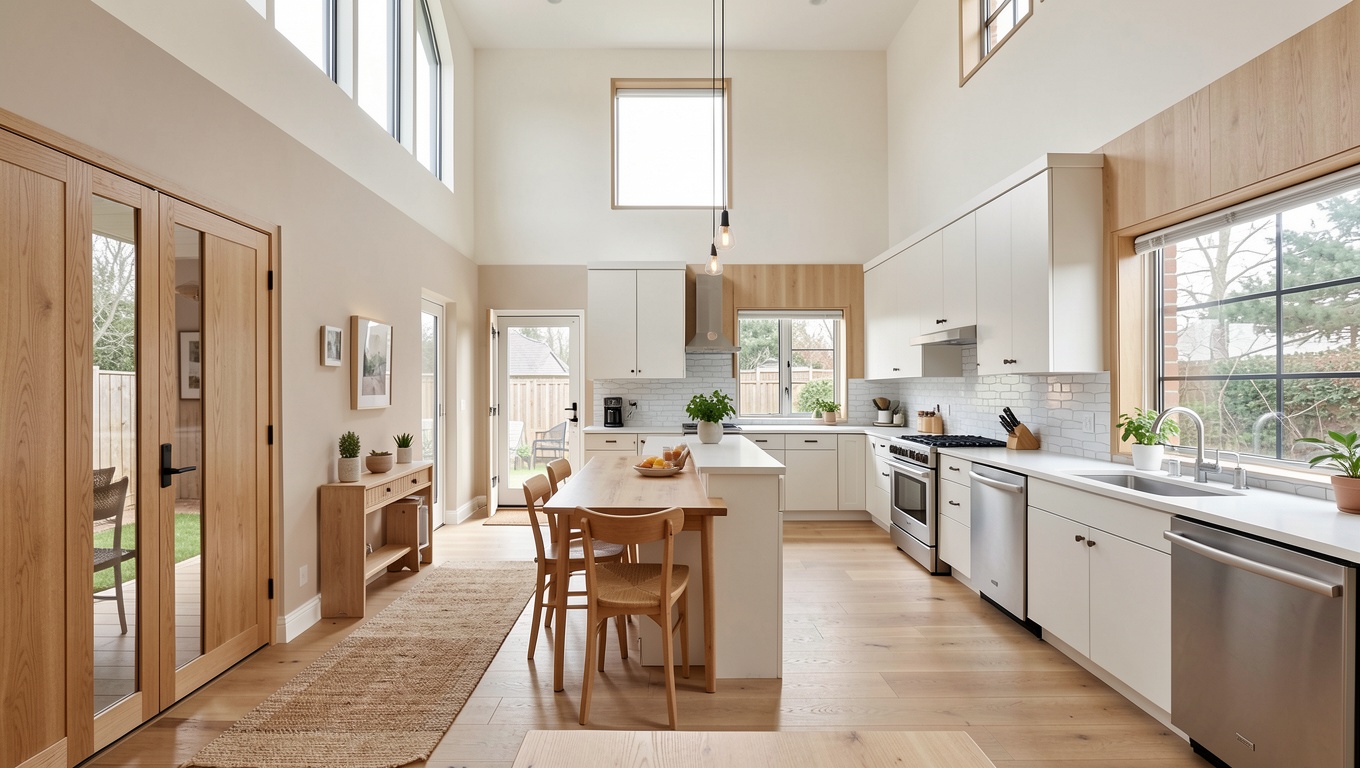
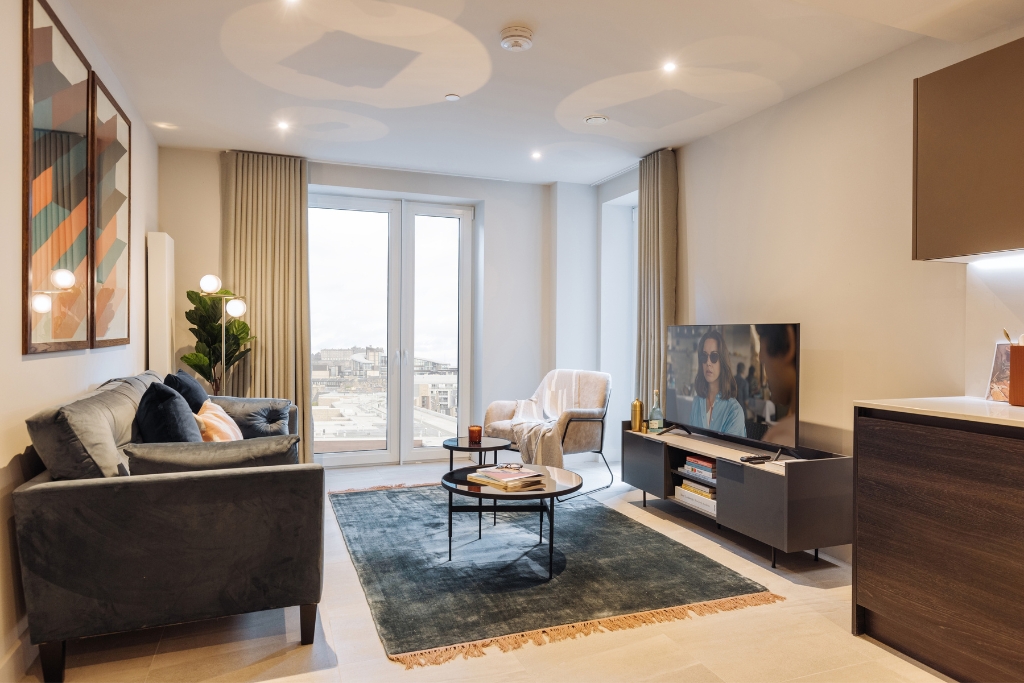
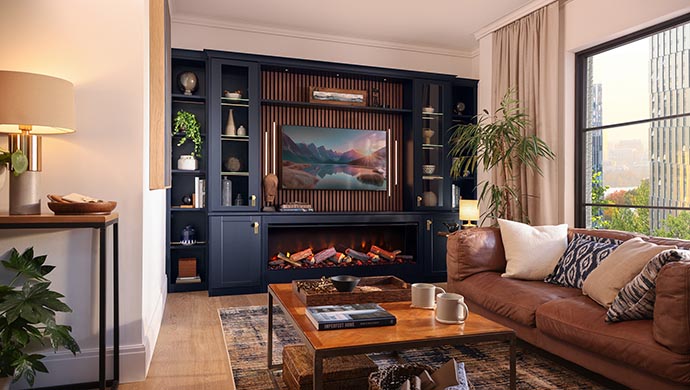
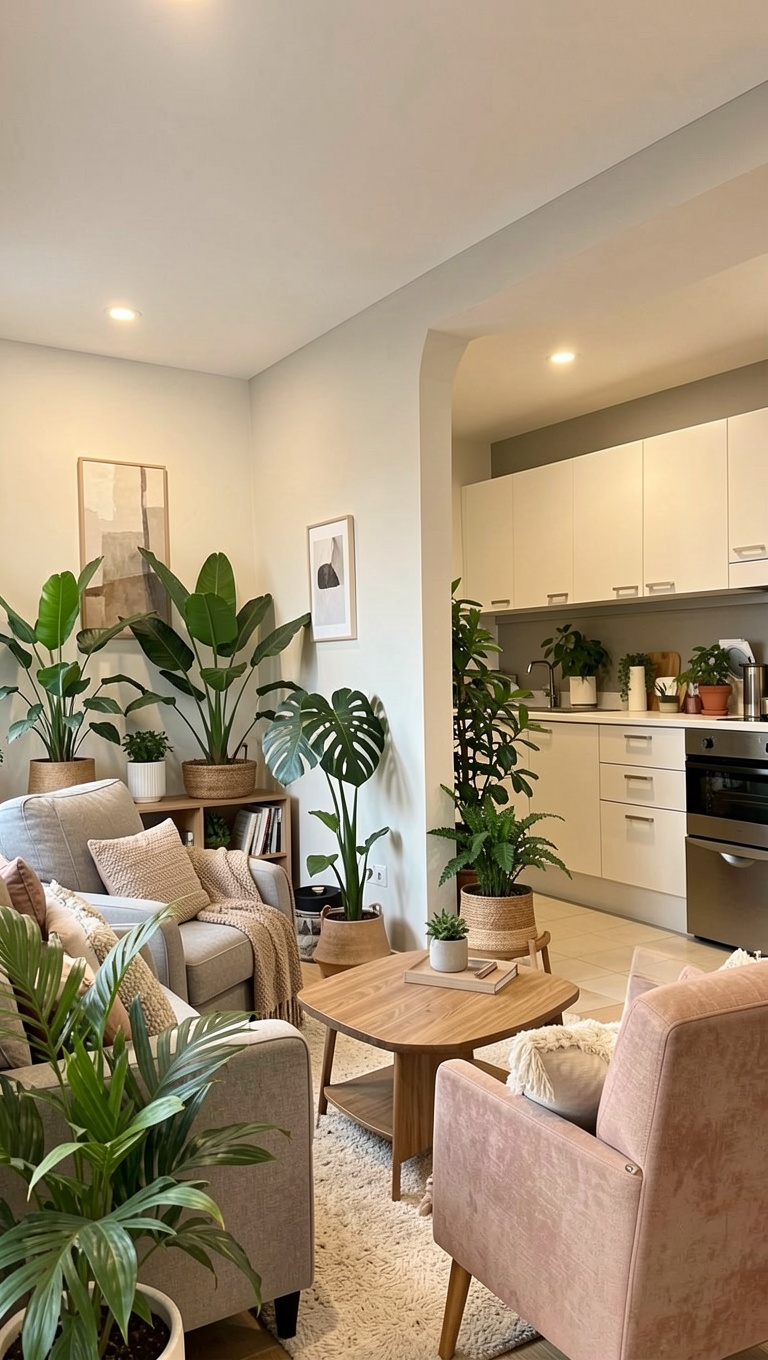
The listing address
2 · Roxybit adds
- Photos turned into 3D walkthroughs
- Written + spoken narration
- An AI presenter — or you
- Neighbourhood map flyover
- Captions, music, your logo
3 · You get
Ready to post — feed (16:9) and Reels (9:16).
Made with Roxybit
Finished listing videos
Before / After
One photo in. A 3D walkthrough out.
Drag the handle to compare.
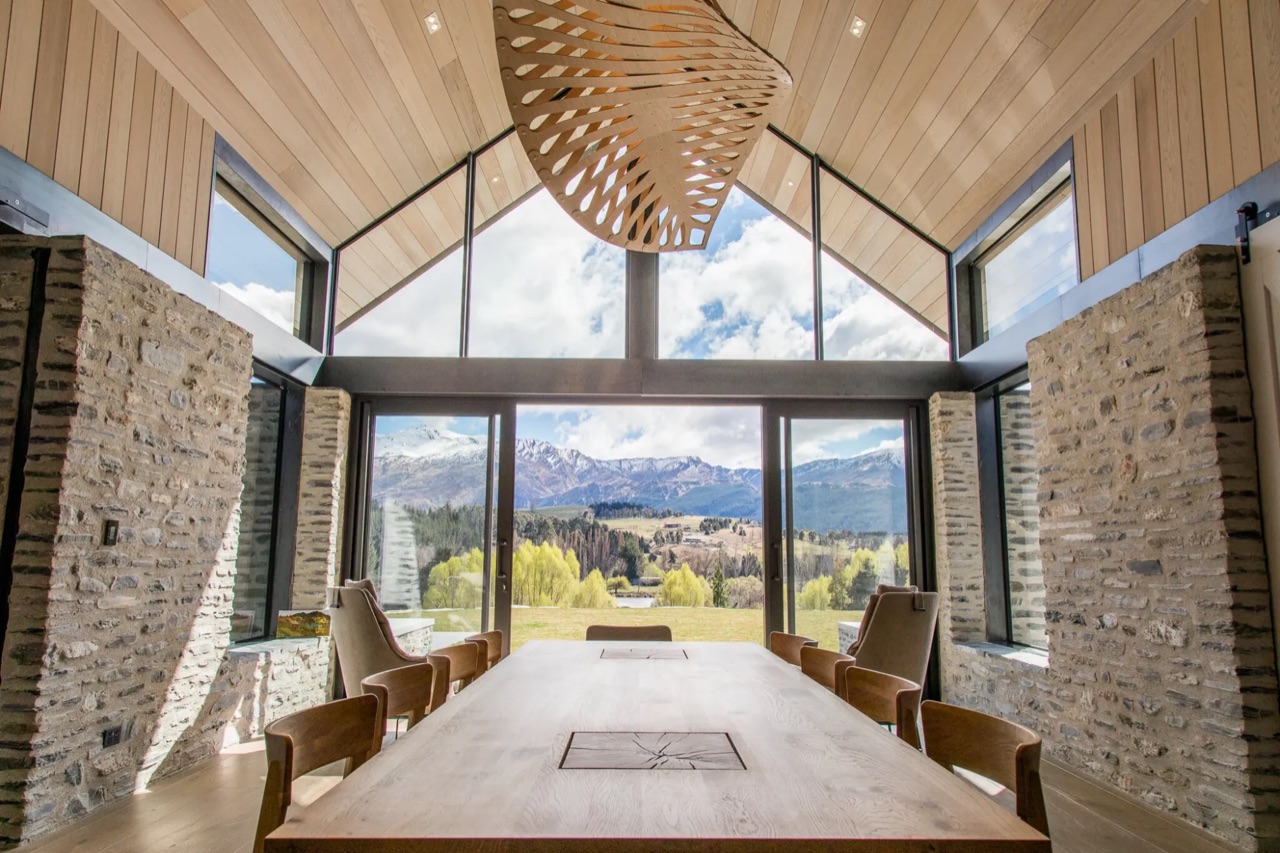 Before
One video vs. 50 photos. Which will sell better?
Buyers skim 50 photos in seconds. A video stops them, holds them — and makes them call.
Turn my photos into a videoPhoto enhance
Blurry photo in. Sharp 1080p video out.
Old phone shots, low-res listing photos — Roxybit enhances them first, then makes the video.
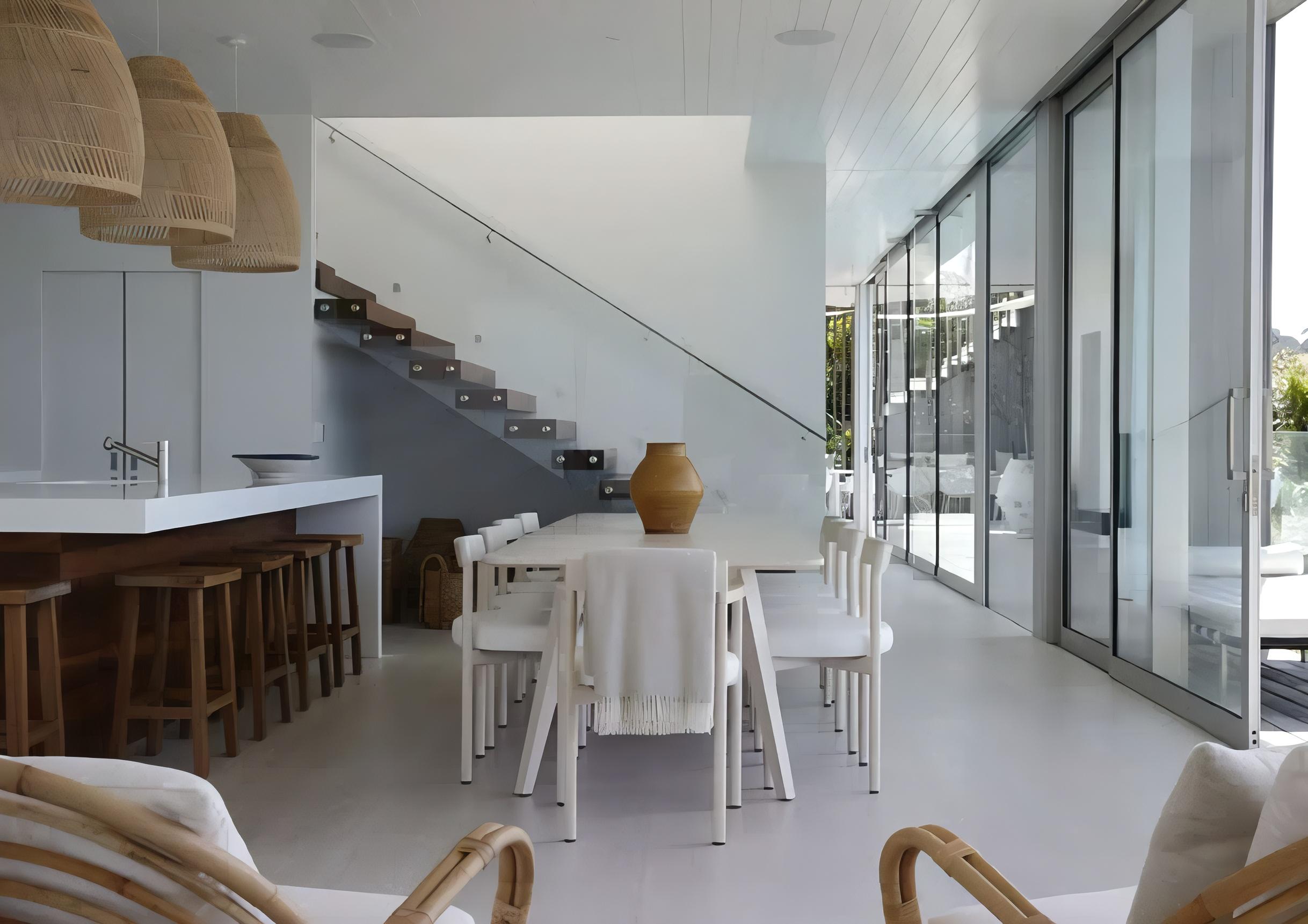 3D video
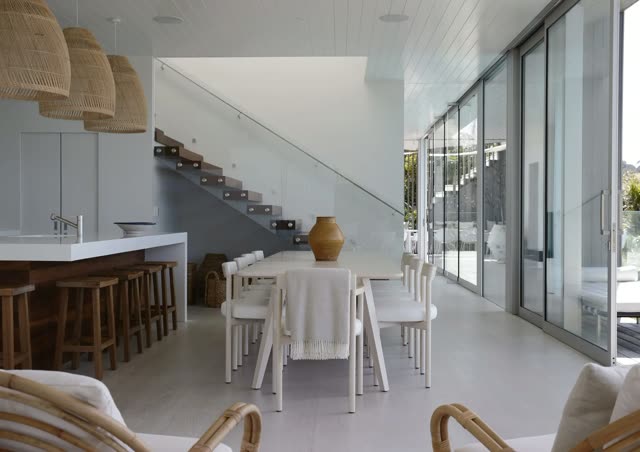 Before
Area flyover
Sell the neighbourhood, not just the house.
Roxybit flies over the area, pins what buyers care about and draws the walk to each place.
Everything included
One studio, every tool a listing video needs
No add-ons, no extra apps — it's all built in.
AI agent avatar
Put a presenter on camera — your own face or a preset — to introduce the property in a natural voice.
Auto captions
Burned-in captions so your videos land even on muted, autoplay feeds.
Neighborhood & area videos
Auto-generated location scenes that sell the area too — schools, transit, parks, landmarks and local highlights, not just the house.
Natural voiceovers
Studio-quality AI narration in 16+ languages — or clone your own voice.
Your branding
Add your logo, colors, and watermark to every video automatically.
Photos → walkthrough
Turn a set of stale still photos into a smooth, moving property walkthrough.
1-click room cleanup
Declutter and tidy a messy room in a single click — no staging needed.
1-click lighting fix
Shot in poor light? Brighten and balance any photo instantly.
AI changed the game.
If you don't make videos for your listings, your competitors will. They post a few photos — you post a video for every listing, the same day.
Start freeThe problem
Posting on one site and praying a buyer sees it?
Every listing without a video is working at half power
Every property you list is competing for attention. Give each one a video — without the time, cost, or crew.Hope isn't a marketing plan
Buyers spend seconds on a photo gallery and move on. Video is what actually stops the scroll.
Your competitor is already posting video
Listings with video get watched, shared and remembered — and the calls go to that agent.
The old way is too slow
Hiring a videographer means waiting days and paying hundreds — sometimes $1,000+ — per property. Most listings never get a video at all.
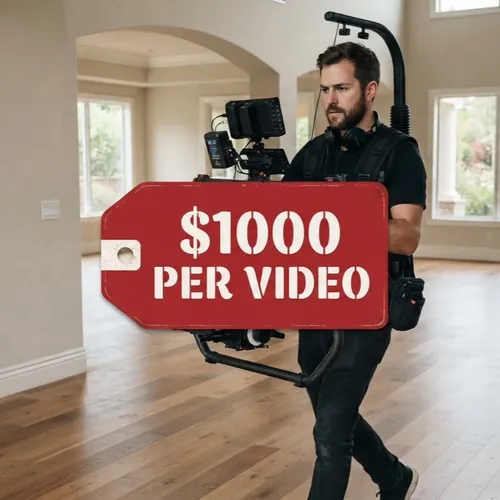
Professional listing videos from $2–20* each
Upload your photos, get a finished, narrated property video in minutes — at a fraction of what a videographer costs.* Depends on the number of scenes, video length and resolution.
Do you want to increase visibility of your listings?
Give every listing a video for Instagram, Facebook, TikTok and YouTube — in minutes, from $2–20*.
* Depends on the number of scenes, video length and resolution.
Make my first video freeTwo ways to create
Fast when you want fast. Full control when you don't.
We measured it: under 10 clicks to generate a video.
Quick Video
Fill in 2–5 fields, hit generate, done. The fastest way to a finished, ready-to-post listing video.
- • Paste a listing link or upload photos
- • Pick a style and voice
- • Get your video in minutes
Video Studio
Want full control? A classic timeline editor with everything — layers, transitions, music, captions, and fine-tuning.
- • Timeline, layers and transitions
- • Music, captions and effects
- • Tweak every scene to perfection
FAQ
Frequently asked questions
Do I need to film anything?
No. Roxybit builds the video from your listing photos and details — optionally with an AI avatar presenter.
How much does a video cost?
From $2–20* a video — the price depends on the number of scenes, video length and resolution.
How long does it take?
Usually minutes, depending on length and content.
Can I use my own face and voice?
Yes — create an avatar from a short consent video and clone your voice.
What formats do I get?
Both horizontal (feed / YouTube) and vertical (Reels / Shorts / TikTok), ready to post.
Can I add my brand?
Yes — your logo, colors, and watermark are applied to every video automatically.
Pricing
Pay for what you render
Start free. Every paid plan is a monthly render budget you spend however you like.
Start
per month
$79 of render credit every month — roughly 8–20 videos, depending on length, scenes and resolution.
- Roughly 8–20 videos a month
- Both formats — 16:9 and 9:16
- AI voiceover and burned-in captions
- Your logo, colors and watermark on every video
- Your own AI avatar and cloned voice
- Neighborhood and area scenes
- Extra avatar slots — $20/year each
Agency
per month
$299 of render credit every month — roughly 30–75 videos, for teams listing at volume.
- Everything in Start
- Roughly 30–75 videos a month
- Team seats — $20/month each
- Shared brand kit across the team
- Every seat adds to the shared render budget
Video counts are estimates, not caps — length, scene count and resolution all move the price. Full breakdown on the pricing page.
Stop losing clients to agents with video
Your first listing video is free. Just your photos.
- 1 Upload your listing photos.
- 2 Pick a style and a voice.
- 3 Post your video.
Free account includes $3 of credit — about one finished video. Cancel any plan at any time.